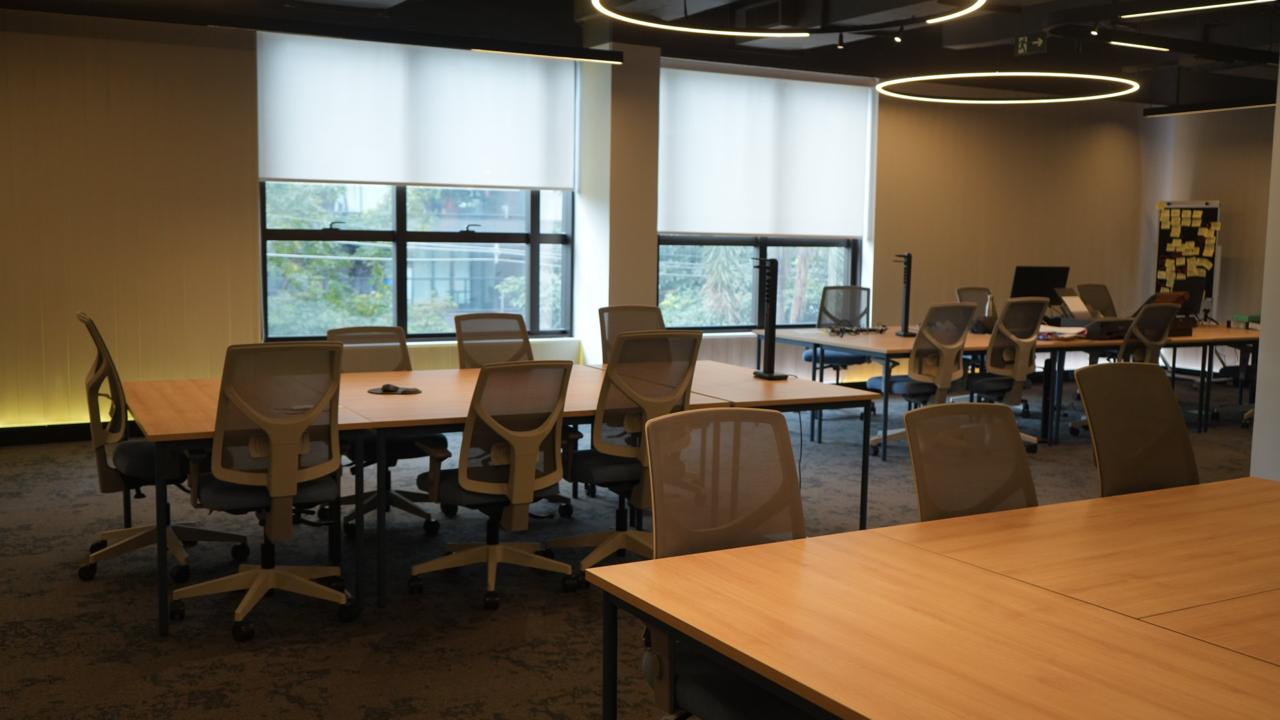
The space
Four rooms.
Book by the hour.
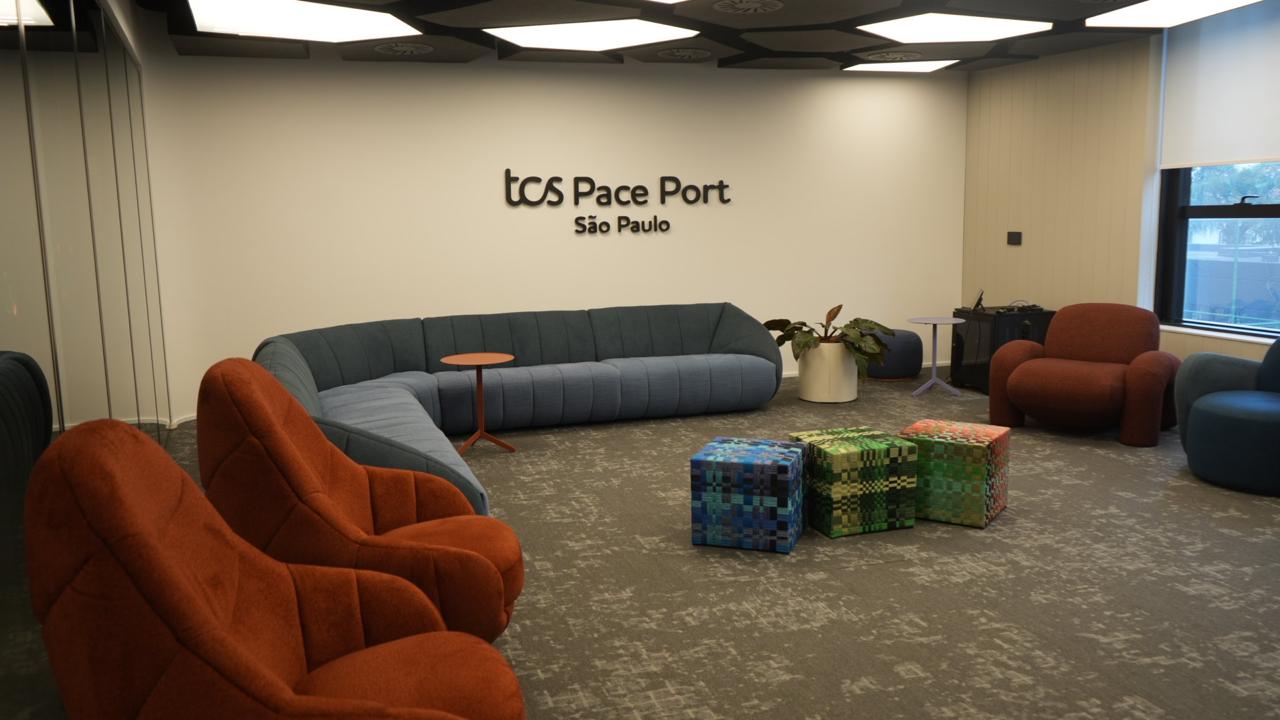
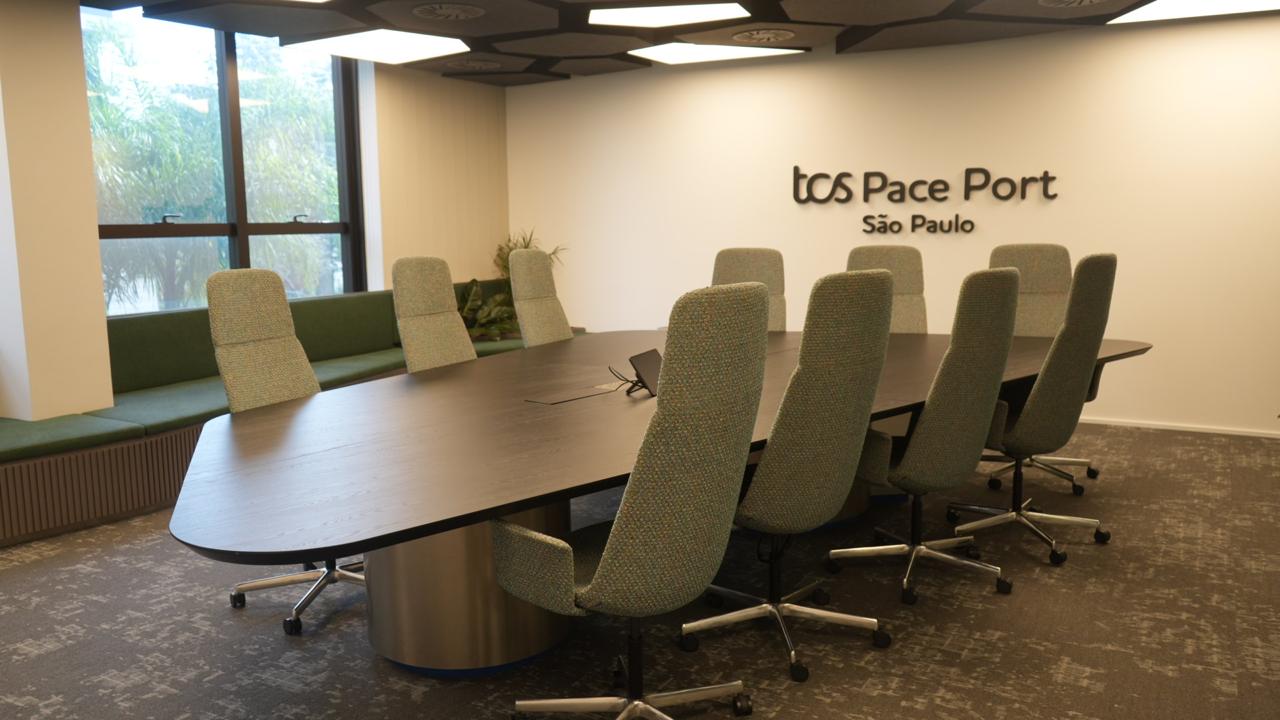
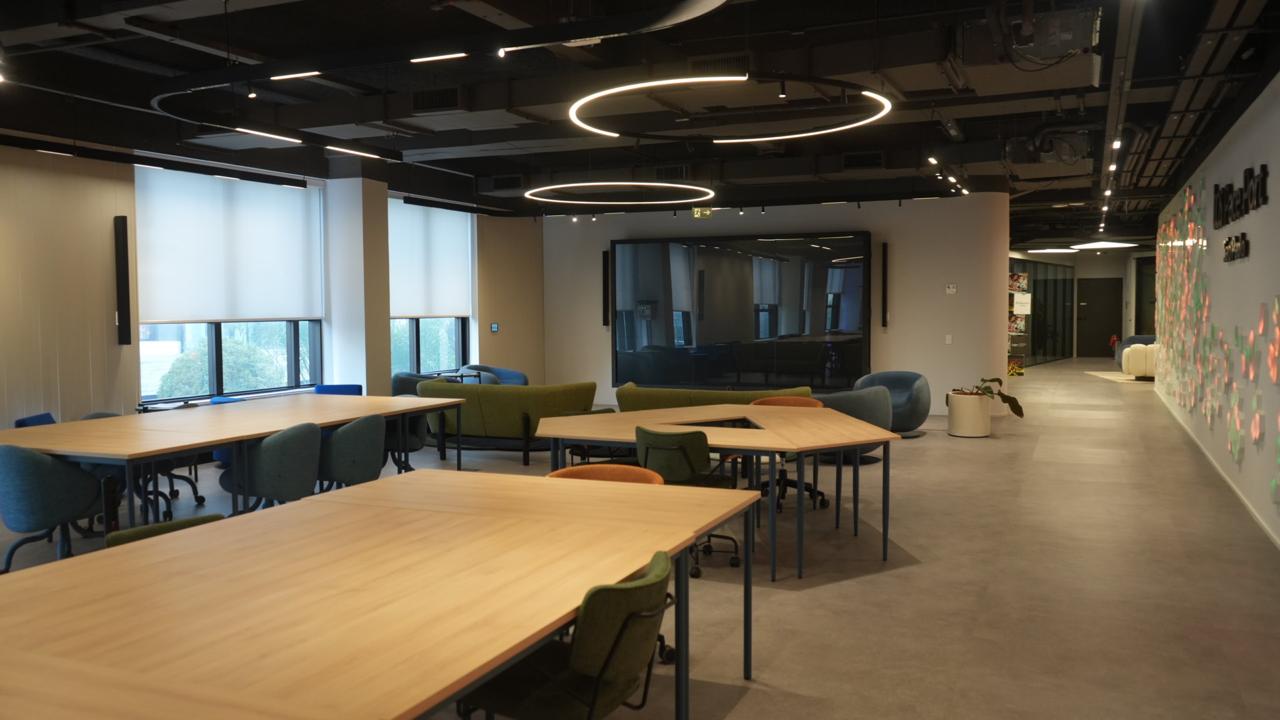
Pace · São Paulo
The scheduling layer Client Partners and BRMs use to plan engagements, reserve the space and get every visitor through the door.
What this is
You own the relationship. This is where you turn it into a day at Pace.
On the web
Pick the date, describe the account, send it for approval. The calendar only offers what is actually open.
In your pocket
Approvals, edits and badges follow you. Same schedule, same second — no refresh needed.
The flow
The calendar shows what is actually open. Two business days of notice is the only hard rule.
Who is coming, from which organisation, and what they expect from the day.
A manager reviews it. If something is missing they ask for exactly that, not for the whole form again.
One access badge per attendee, with the QR code and the punch mark for the lanyard. Print the group at once.
The space
Get the app
The browser needs nothing installed. For desk and pocket, take the native build.
Sign in with your corporate user — the part before the @. No account yet? Request access and a manager will approve it.